A complete toolkit that takes you from address to client-ready visual — without leaving your desk.
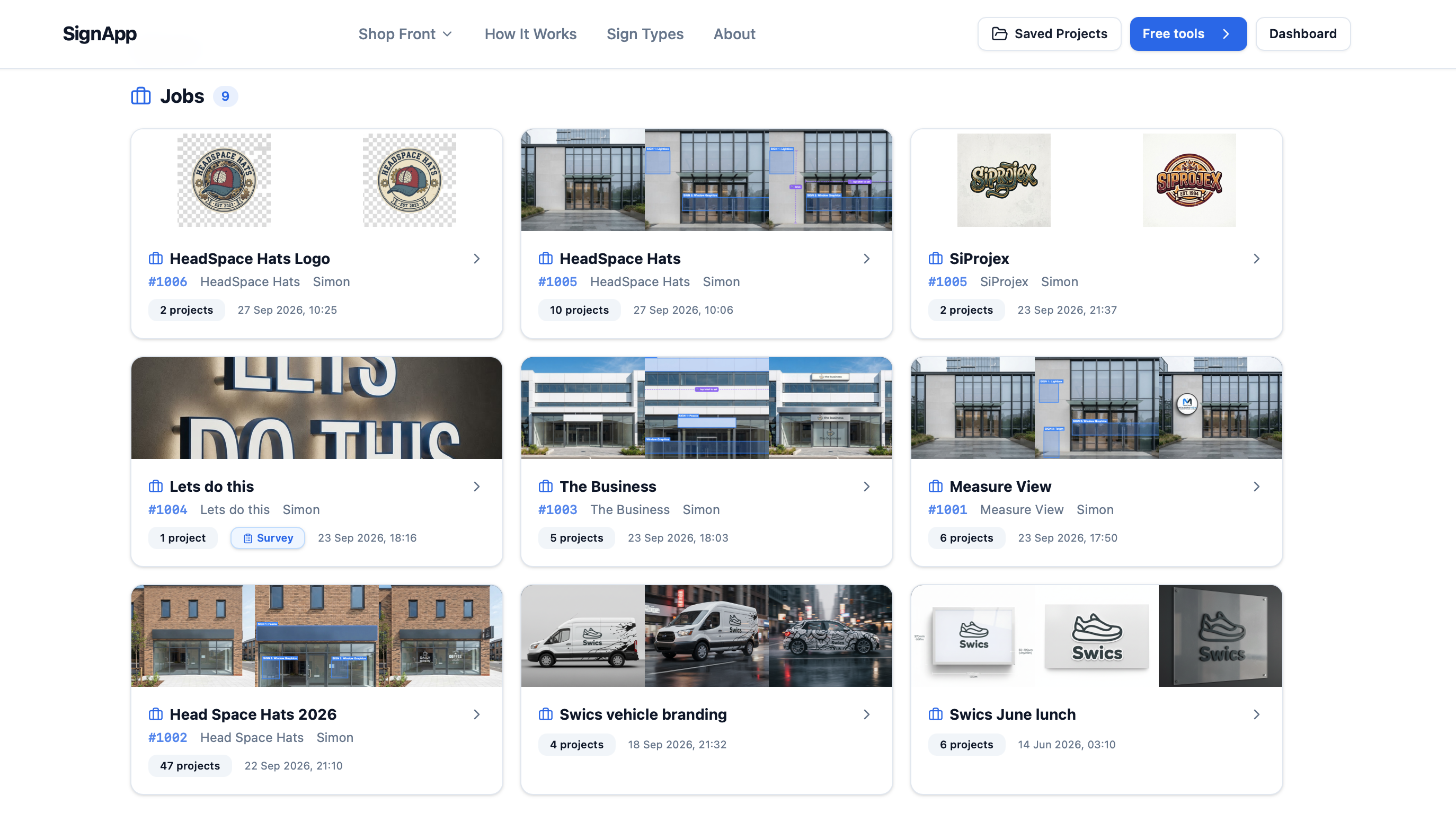
SignApp isn't just for pretty renders. Your dashboard keeps every job, quote and file organised — so nothing slips through the cracks.
- Every job in one place — create, track and organise from a single Jobs board.
- Quotes, estimates, site surveys and files attached to each job.
- A clean dashboard your whole team can use — desktop, tablet or mobile.
Use the AI Sign Builder to produce stunning product-quality renders for any sign type — perfect for client proposals, quotes, and internal briefs.
- 15+ sign types — fascia, 3D letters, lightbox, neon, vehicle wraps & more
- Full control over material, colour, finish, size & illumination
- Photorealistic 3D and flat-view renders in ~15 seconds
- Built-in cost estimator to ballpark budgets instantly
- Save and compare multiple designs side by side
- Upload your client's logo or artwork to include in the render
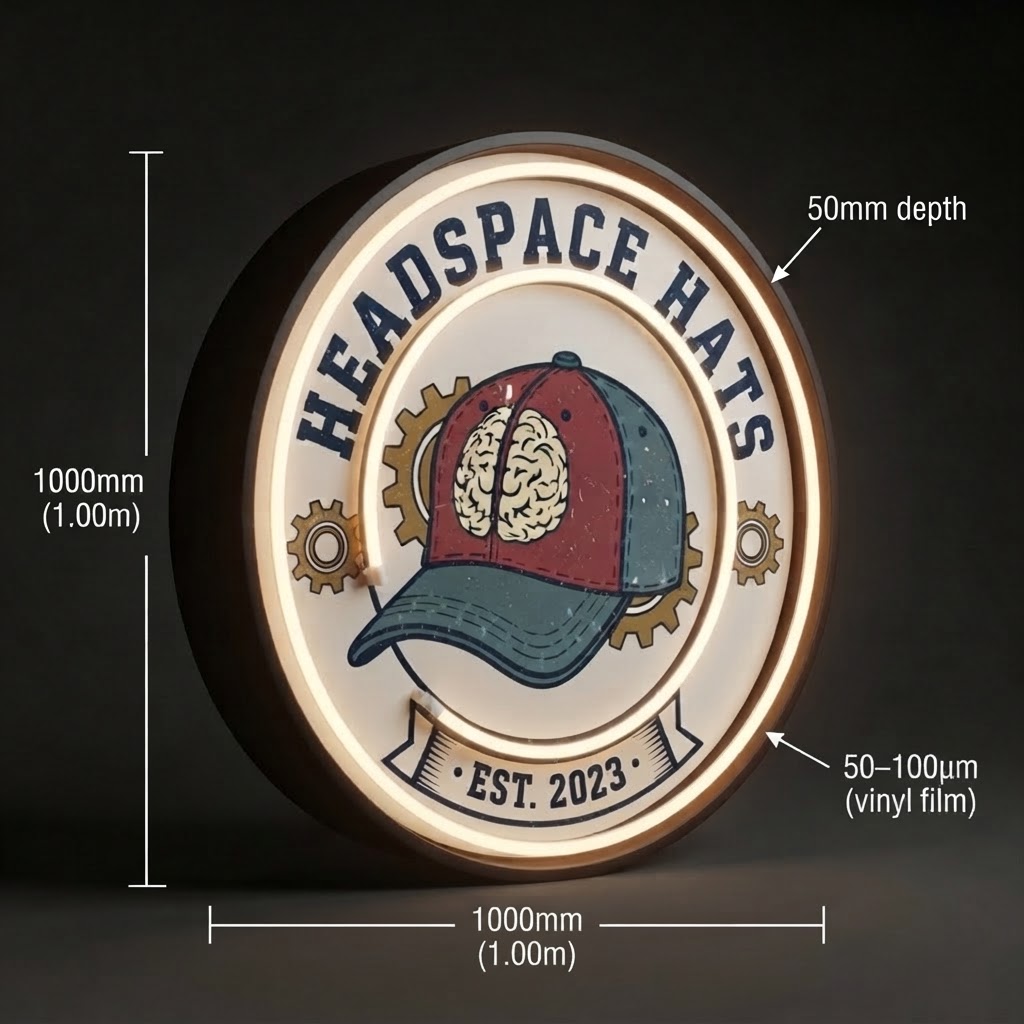
Choose a sign type
Design Sign — one of 15+ sign types available in the AI Sign Builder
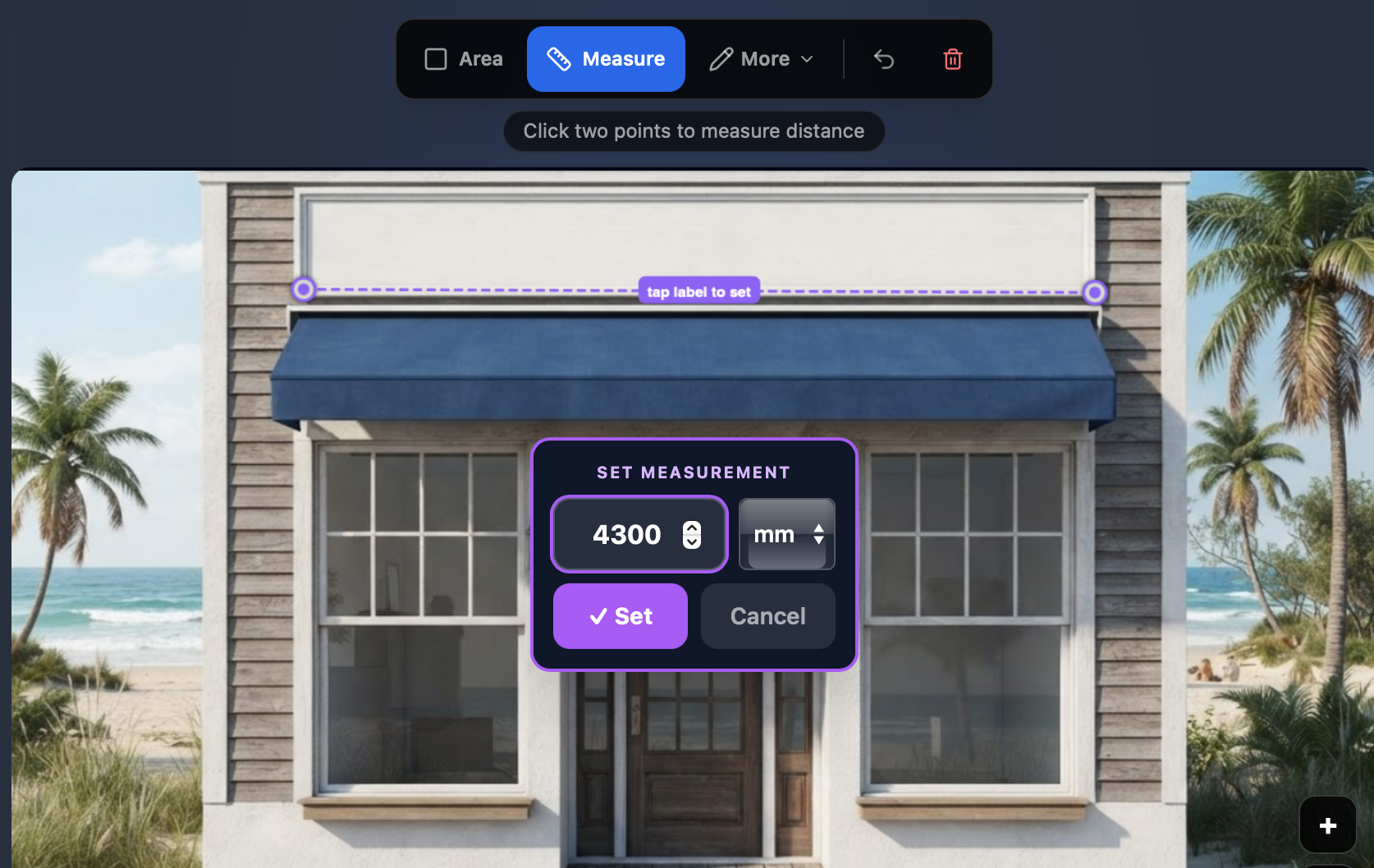
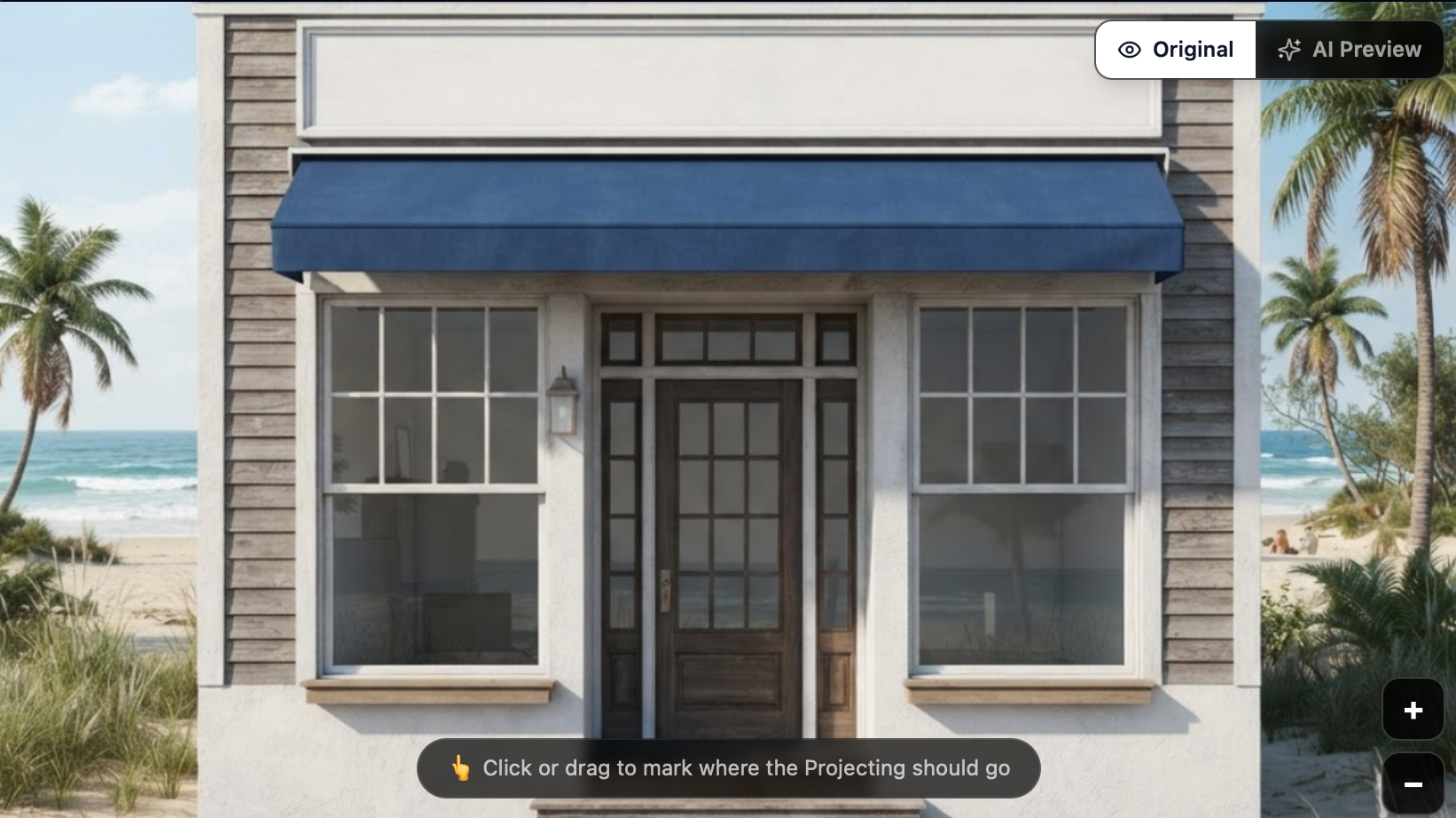
Measure and embed signs onto the building
Click two points on the building photo to measure any distance — fascia width, sign height, or clearance. Set exact dimensions in mm and embed the sign area precisely where it needs to go.
- Click-to-measure between any two points on the building
- Set exact measurements in millimetres with steppers
- Draw and embed sign placement areas directly onto the facade
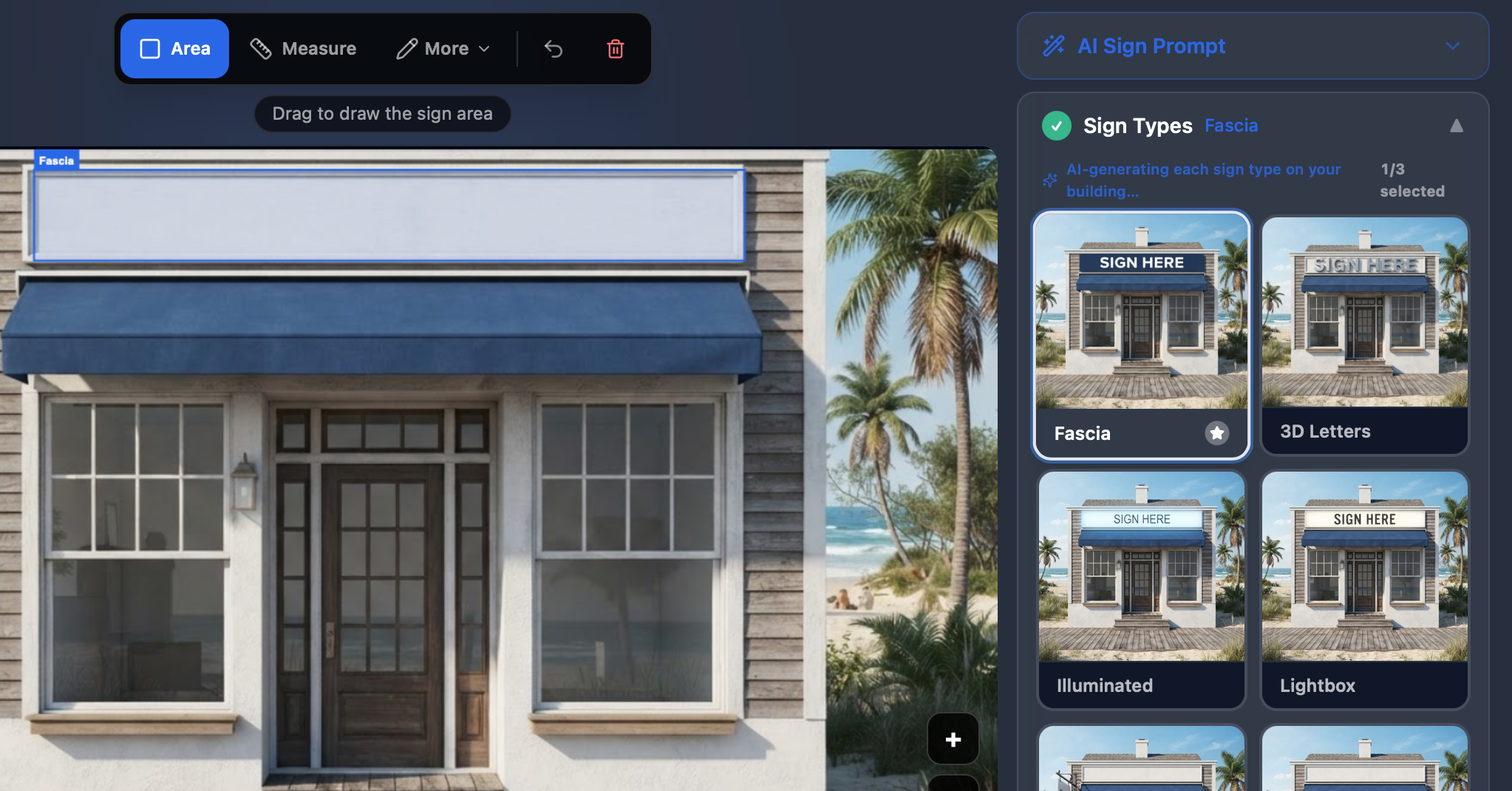
Select sign types and see them on the building
Choose from a gallery of AI-generated sign types — fascia, 3D letters, lightbox, illuminated and more. Each option is rendered on your client's actual building so you can compare styles side by side.
- AI generates each sign type on the real building
- 2-column gallery of rendered sign options
- Select and compare multiple styles before deciding
Upload logos to place on the building
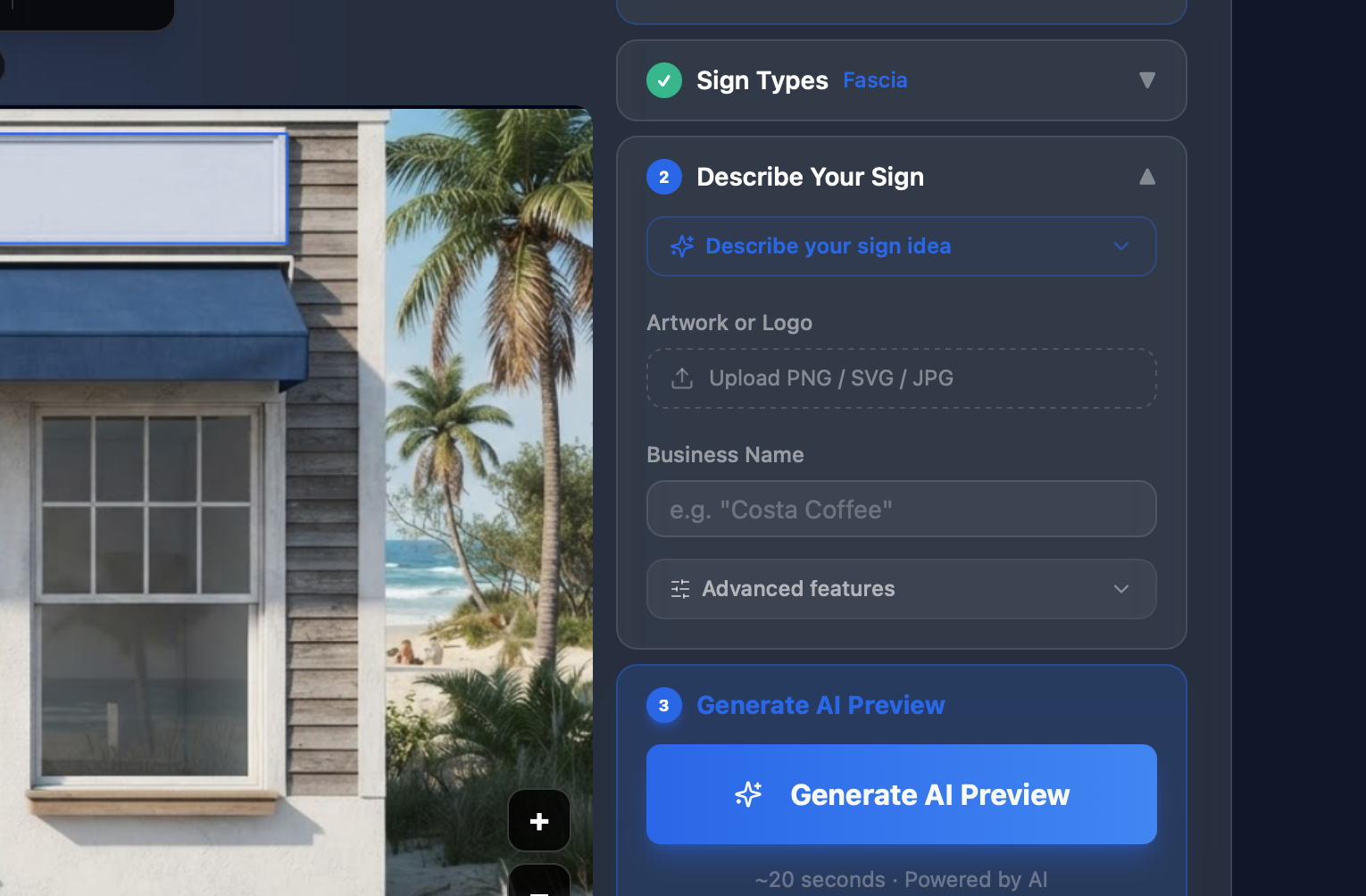
Upload your client's logo or artwork as PNG, SVG, or JPG, add their business name, and describe the sign you want. The AI generates a preview with their branding placed naturally on the building.
- Upload PNG / SVG / JPG artwork directly
- Add business name and describe your sign idea
- AI preview generated in ~20 seconds with branding applied
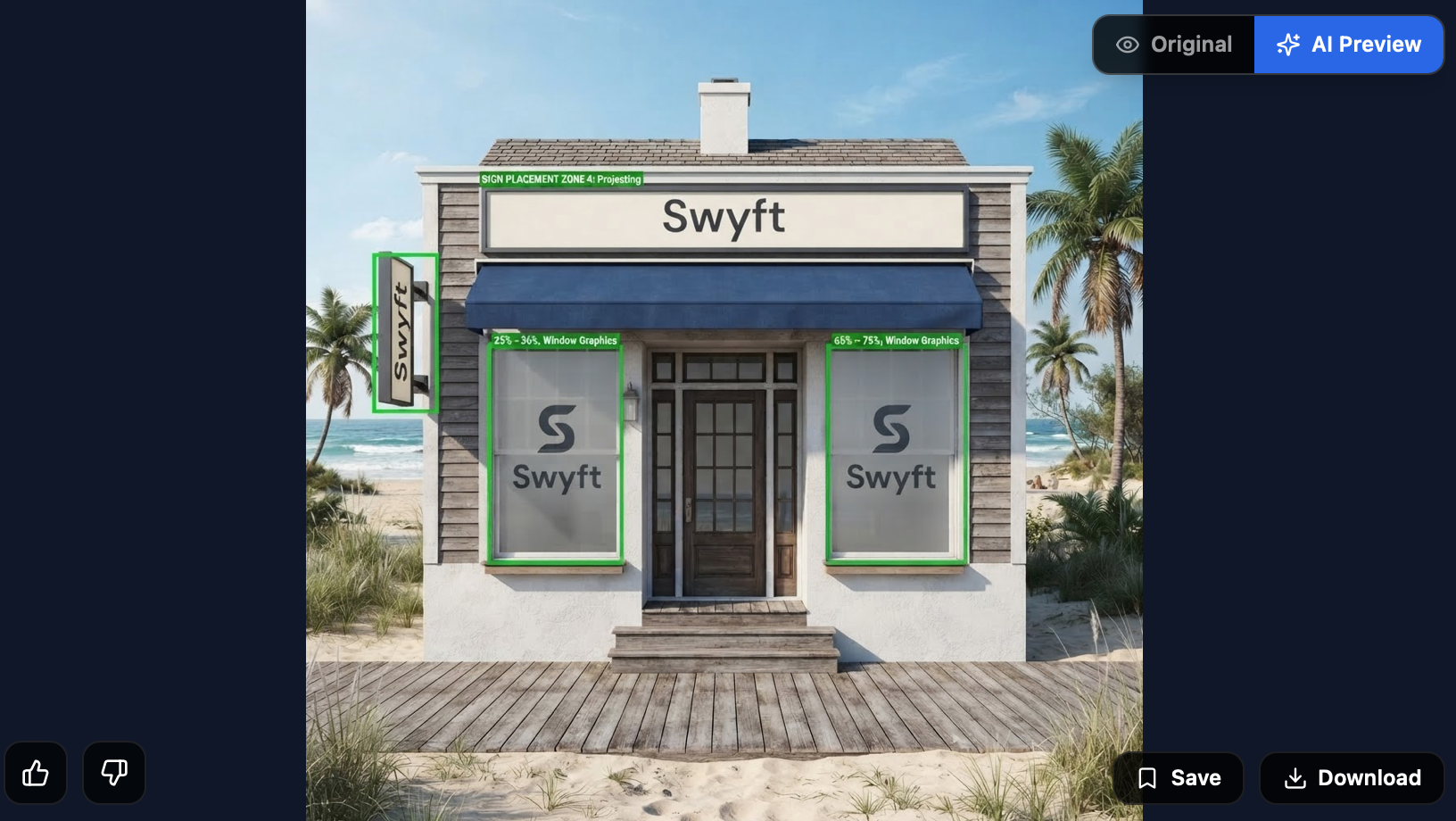
From blank facade to branded storefront
See how signs, window graphics, and projecting boards come together on the real building.
Everything you need to win more sign jobs
Start with any tool — they all work together and save to your project folder.