Watch how the AI Sign Builder works
Build a Sign
Configure every detail of your sign and get a photorealistic AI render.
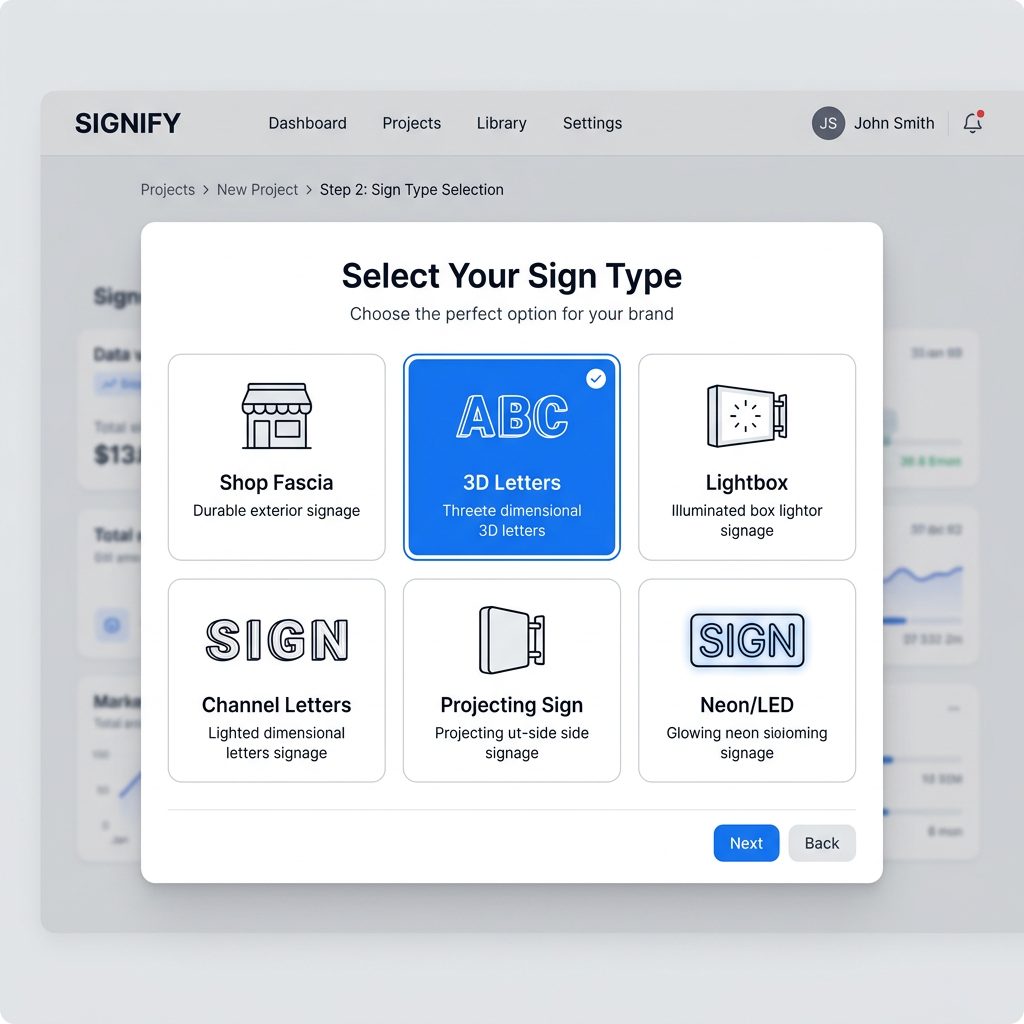
Choose Your Sign Type & Details
Pick from 14 sign types — fascia, 3D letters, lightbox, neon, channel letters, and more. Then enter your business name, tagline, and upload your logo.
My Shop
Timber · Natural finish · Non-illuminated
Configure Material, Colour & Illumination
Select your material (metal, acrylic, dibond, timber, vinyl and more), choose colours with exact hex or RAL codes, pick a surface finish, and add illumination options like halo-lit or neon glow.
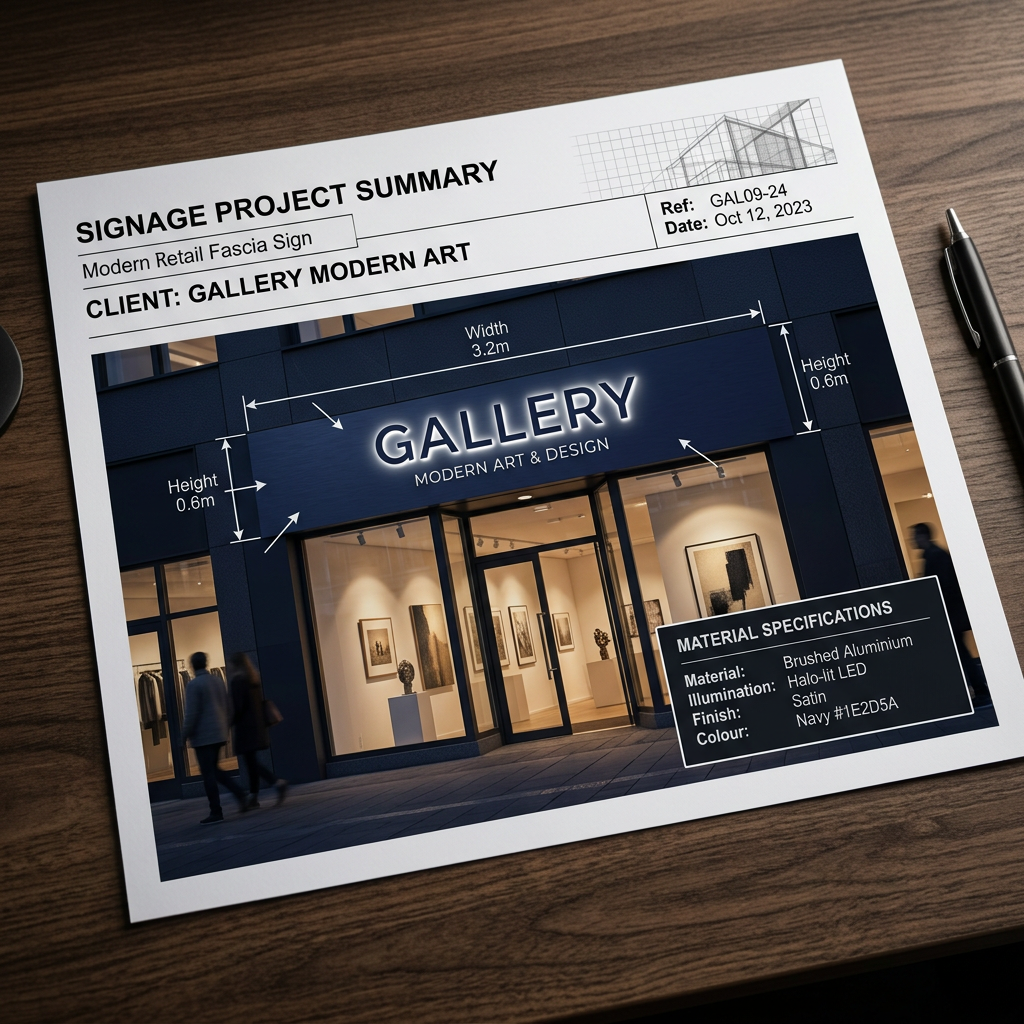
Save Your Project
Once you're happy with the design, save your project. You'll get a complete overview image of your AI-rendered sign with key measurements and material specs embedded — ready to share with suppliers or keep for reference.
Design Your Logo
Generate a professional business logo in seconds using AI — choose your style, colours, and let the AI do the rest.
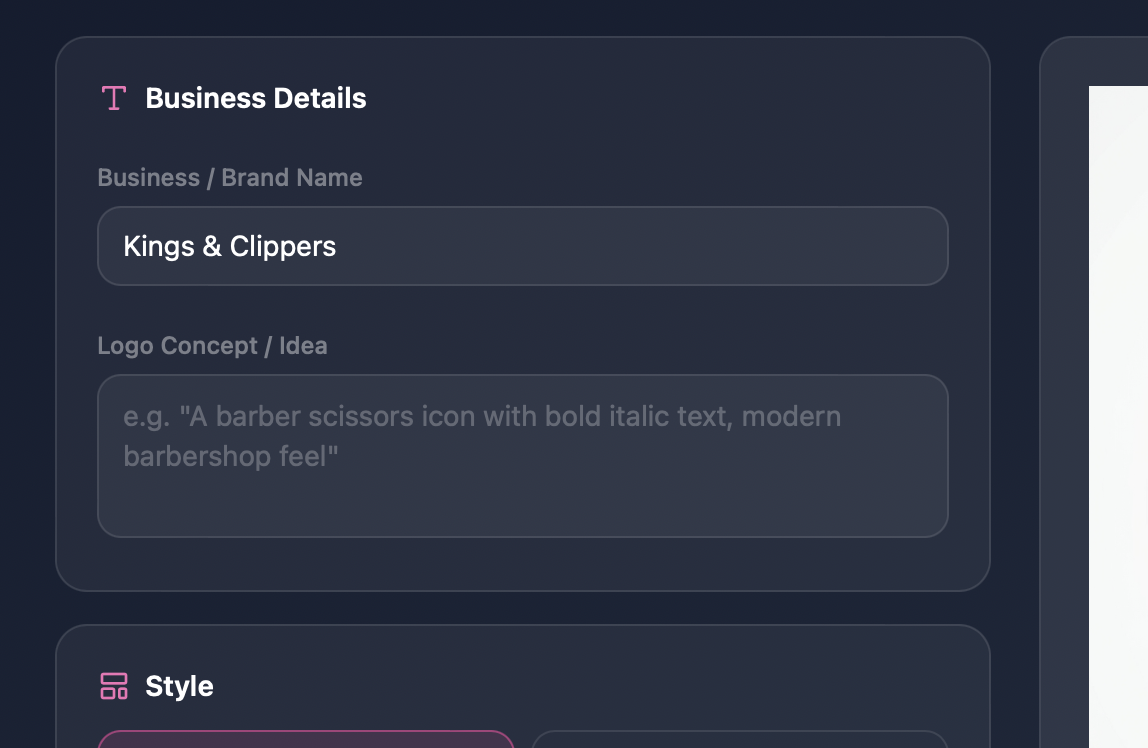
Enter Your Business Name & Concept
Type in your business or brand name, then describe your logo idea — for example: "a barber scissors icon with bold italic text, modern barbershop feel". Upload a reference logo if you have one. The more detail you give, the more tailored your result.
Pick Your Style & Colour Palette
Choose from six design styles — Modern & Minimal, Bold & Impactful, Elegant & Luxury, Playful & Fun, Vintage & Retro, or Tech & Digital.
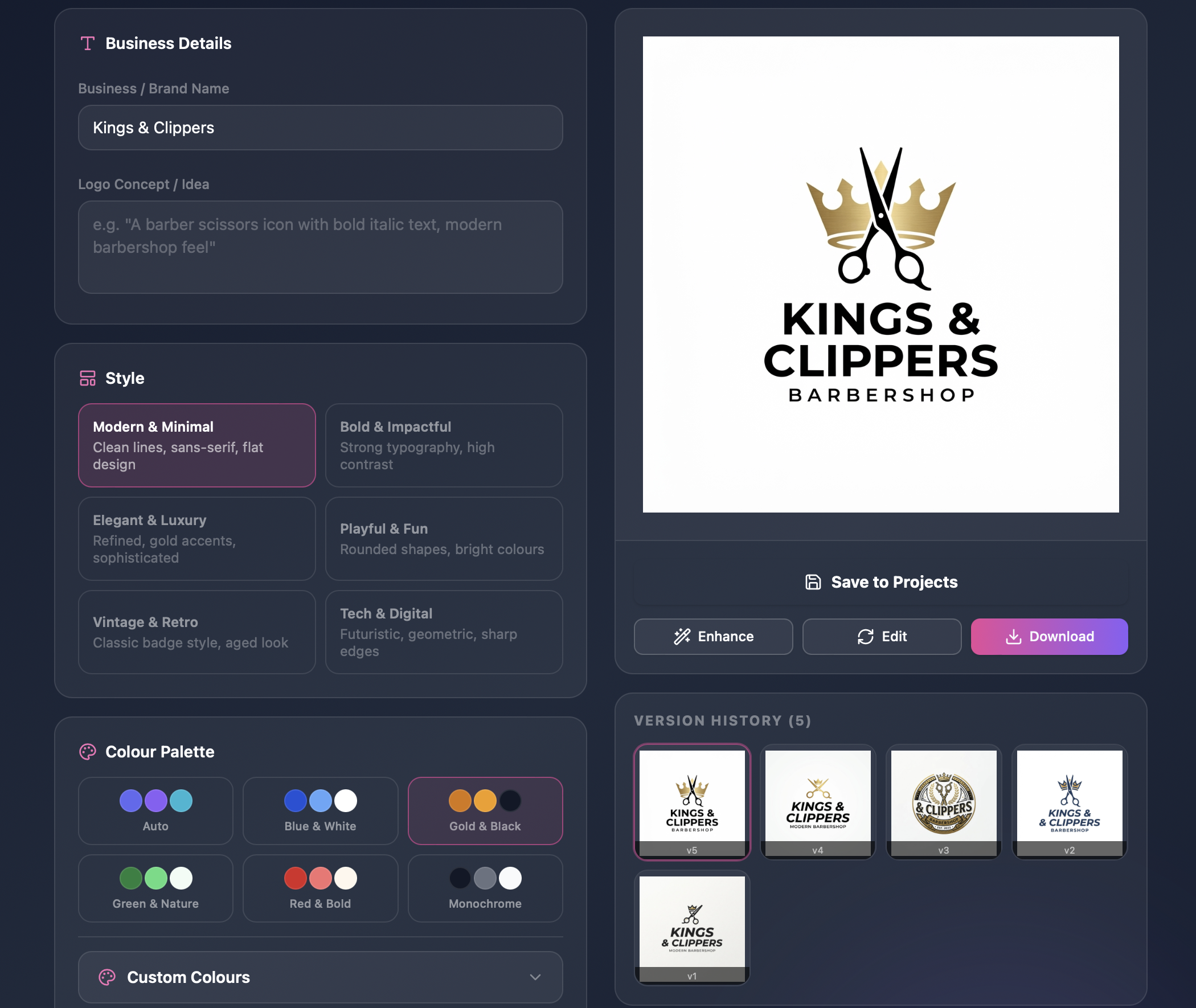
Generate, Edit, Enhance & Download
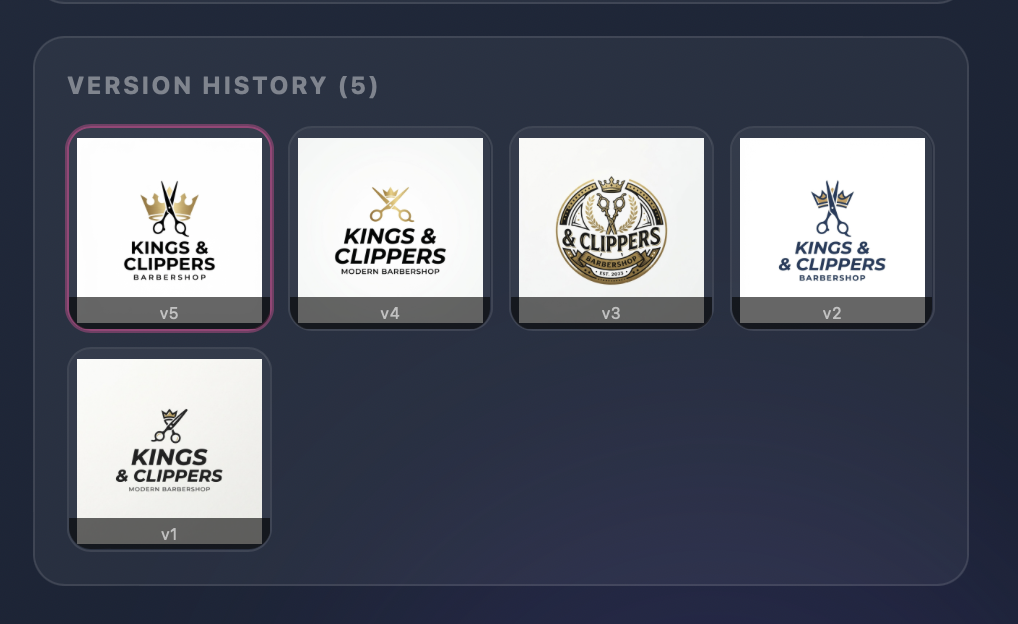
Generate your logo in seconds. Use the Enhance button to polish it, or the Edit tool for specific tweaks — "make the text bigger", "add a lightning bolt". Drag the style slider to preview different looks, then download your final logo as a PNG.
Design on Your Building
Find your building on Google Street View or upload a photo, then place and preview signs in real context.
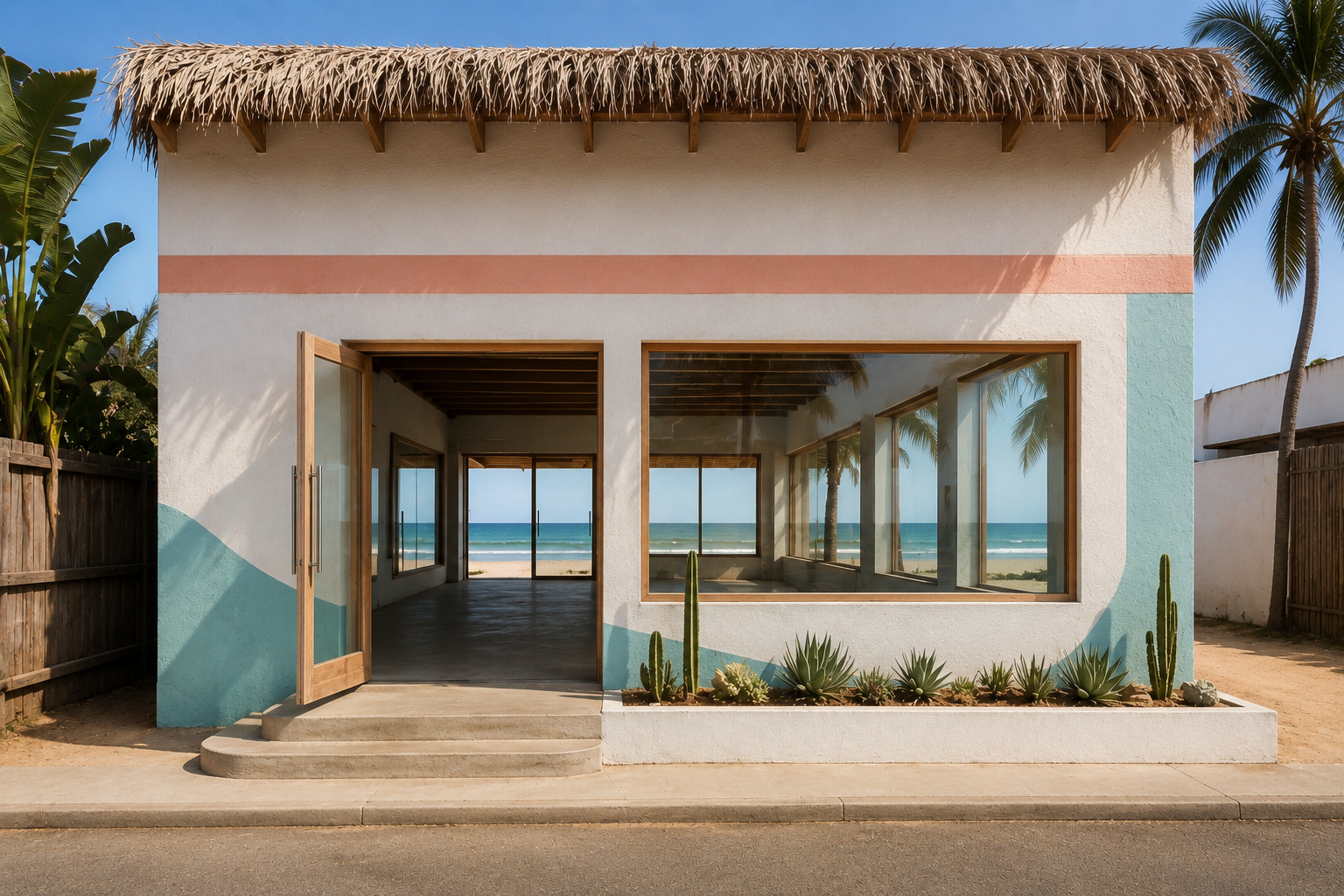
Choose Your Building
Find the building you want to work on using Google Street View by searching your address — or simply upload your own photo of the frontage.
Confirm the Image
Navigate to the best angle of your building. Once you're happy with the view, click "Use This Image" to lock it in and move to the design stage.
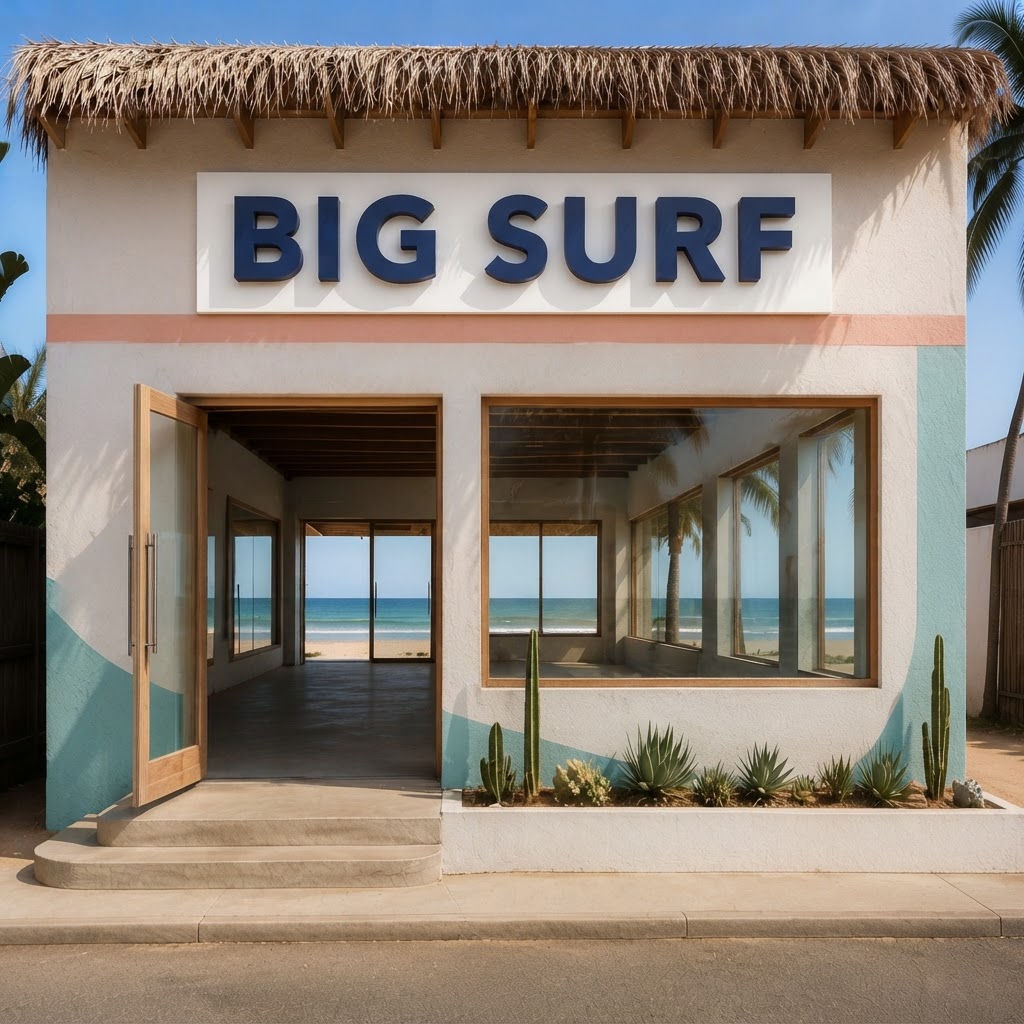
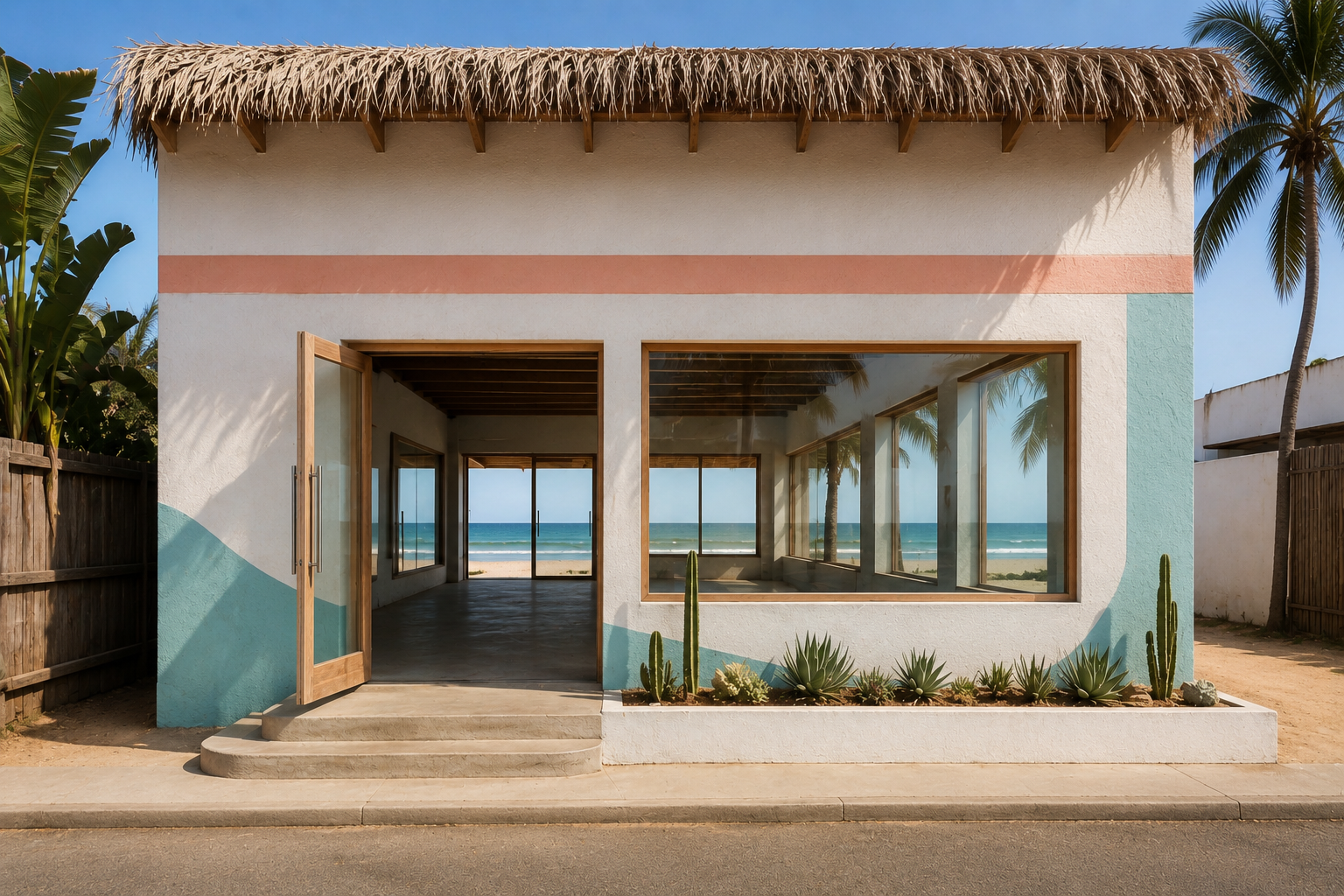
Annotate Your Sign Idea
Place sign annotations directly on your building photo. Then generate a photorealistic AI preview to see exactly how your new sign will look.
- Area tool — drag to mark exactly where the sign will go
- Measure tool — embed real-world measurements in the image
- Drag any placement to reposition it
- Undo or delete placements at any time
Also available
BIG SURF
1 project · Beachside shopfront
Save Project
Once you're done, save all your placements, AI previews, and project notes — then download everything to your device in one click.
Design Your Vehicle Wrap
Visualise professional vehicle branding on your actual make and model — from door logos to full wraps, see it before you commit.
Select Your Vehicle Make, Model & Year
Search and select your vehicle's make, model, and year from the built-in picker — 40+ brands including Mercedes-Benz, Ford, Volkswagen and more. The AI uses these exact details to generate an accurate mockup of your real vehicle.
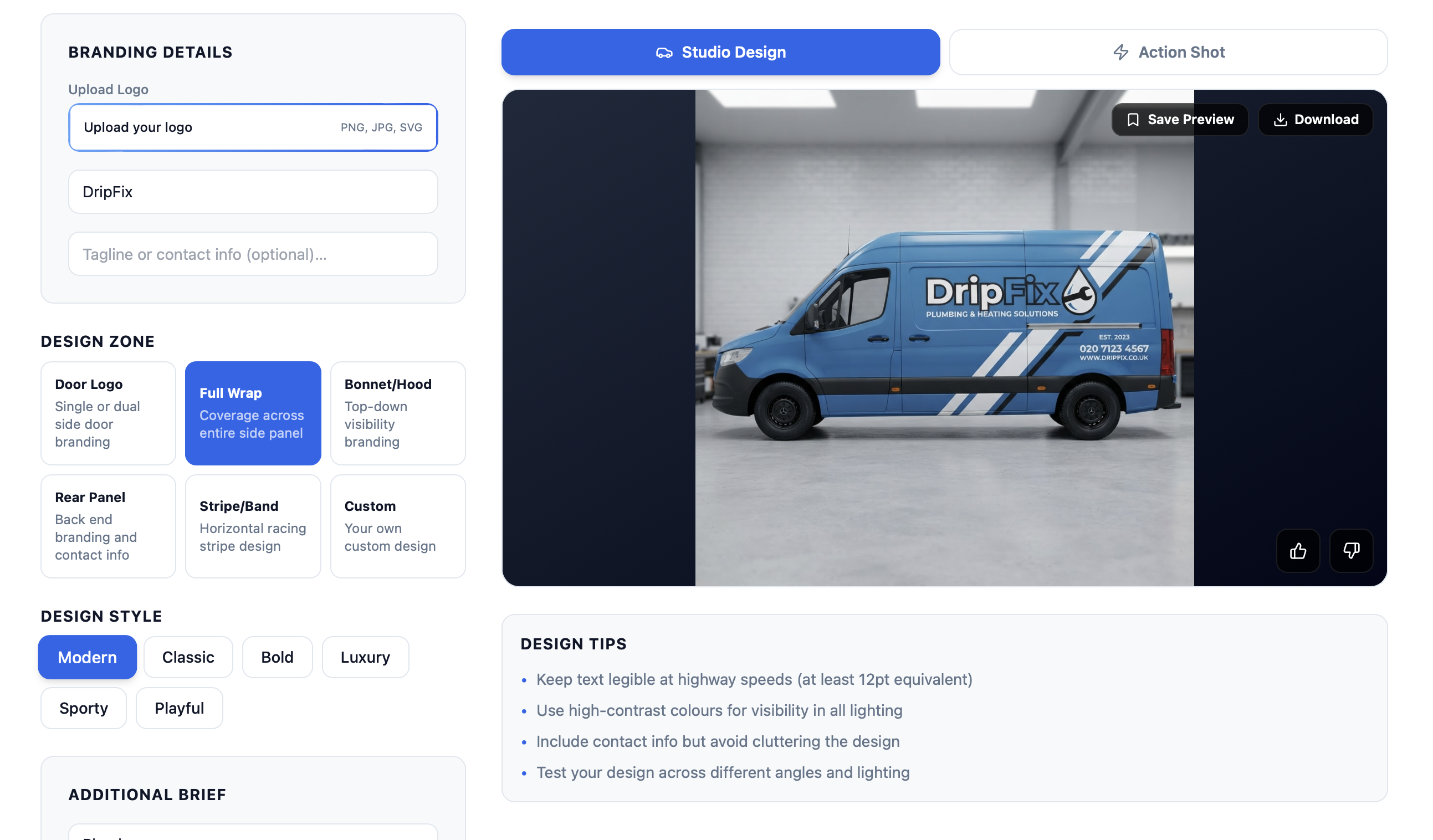
Upload Your Logo & Configure Branding
Upload your business logo, enter your business name and tagline or contact info, choose a design zone — Door Logo, Full Wrap, Bonnet, Rear Panel, or Stripe — then pick a design style and your brand colours.
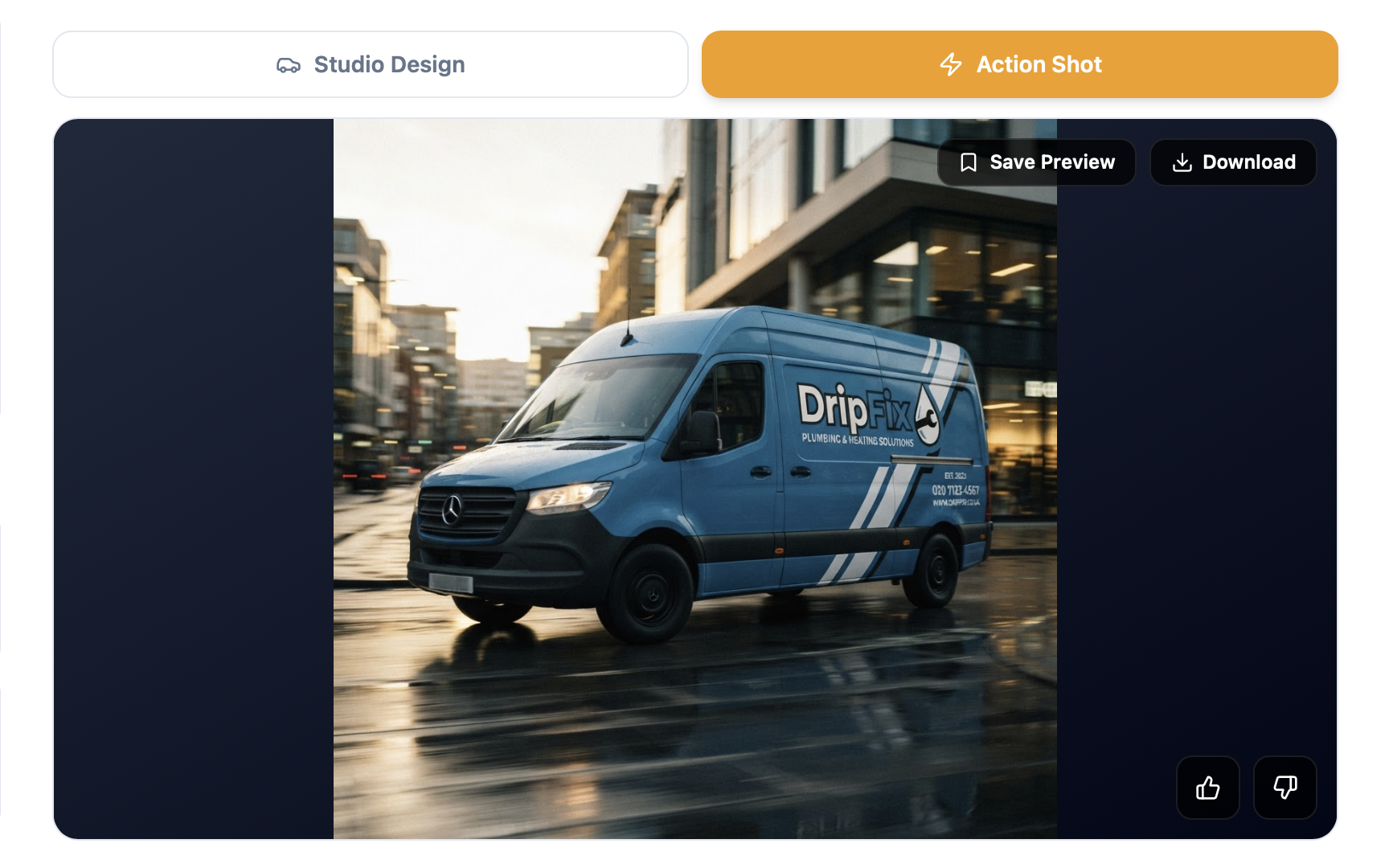
Studio Design & Real-Life Action Shot
Click Generate Design to get a photorealistic studio mockup with your branding applied. Then hit Action Shot to see the same branded vehicle in a real driving environment — cinematic lighting, motion blur, and all. Download either view.